

VIMS EHSVIMS EHS

Computer workstation ergonomics — workstation, laptop, chair and reimbursement of glasses or contact lenses after the Polish amendment

In Poland, workstations with display screens are governed by the regulation of 1 December 1998, amended on 18 October 2023 (Journal of Laws 2023 item 2367), implementing Directive 90/270/EEC. Employer duties apply to employees who use a screen for at least half of their daily working time. The transition period for adapting workstations ended on 17 May 2024.

This guide answers the questions safety specialists, HR teams and office workers search for most: must the employer buy a keyboard and mouse for a laptop, when are glasses or contact lenses reimbursed, what must an office chair offer, is a footrest mandatory and what about remote work. We separate the regulation from standards and good practice.

  • Ergonomics
  • Computer workstation
  • Display screen equipment
  • Screen glasses
  • Remote work
  • Risk assessment

Published: 2026-11-12 · Updated: 2026-11-12 · 11 min read · Varilo deployment team

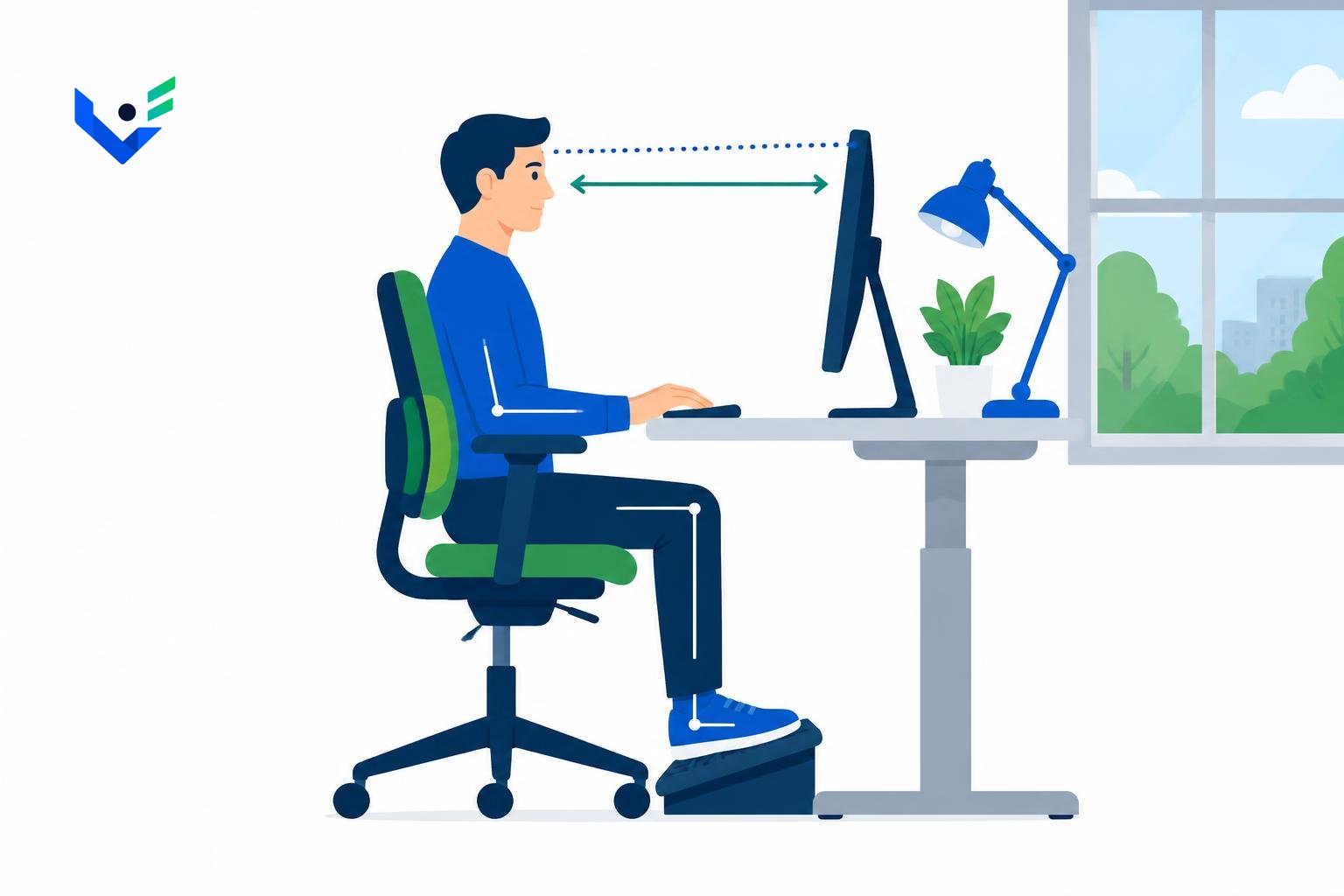
Employee at a computer workstation on an adjustable chair with lumbar support and a footrest, top of the monitor at eye level — VIMS EHS illustration

1. What did the amendment change?

Short answer: the amending regulation of 18 October 2023 covered laptops and portable devices, put contact lenses on an equal footing with corrective glasses, extended the rules to remote workstations and reorganised the minimum requirements in the annex. It took effect on 17 November 2023, and employers had until 17 May 2024 to adapt existing workstations.

The rules apply to employees who use a screen for at least half of their daily working time (at least 4 hours on a full-time schedule). Shorter screen work does not remove general duties — occupational risk assessment and ergonomics still apply — but it does not create, for example, the right to reimbursed glasses.

Exclusions include driver cabs, computer systems on board means of transport, systems mainly intended for public use, calculators and devices with small data displays. Check § 1 of the consolidated text before updating an internal procedure.
2. Must the employer provide a laptop stand, keyboard and mouse?

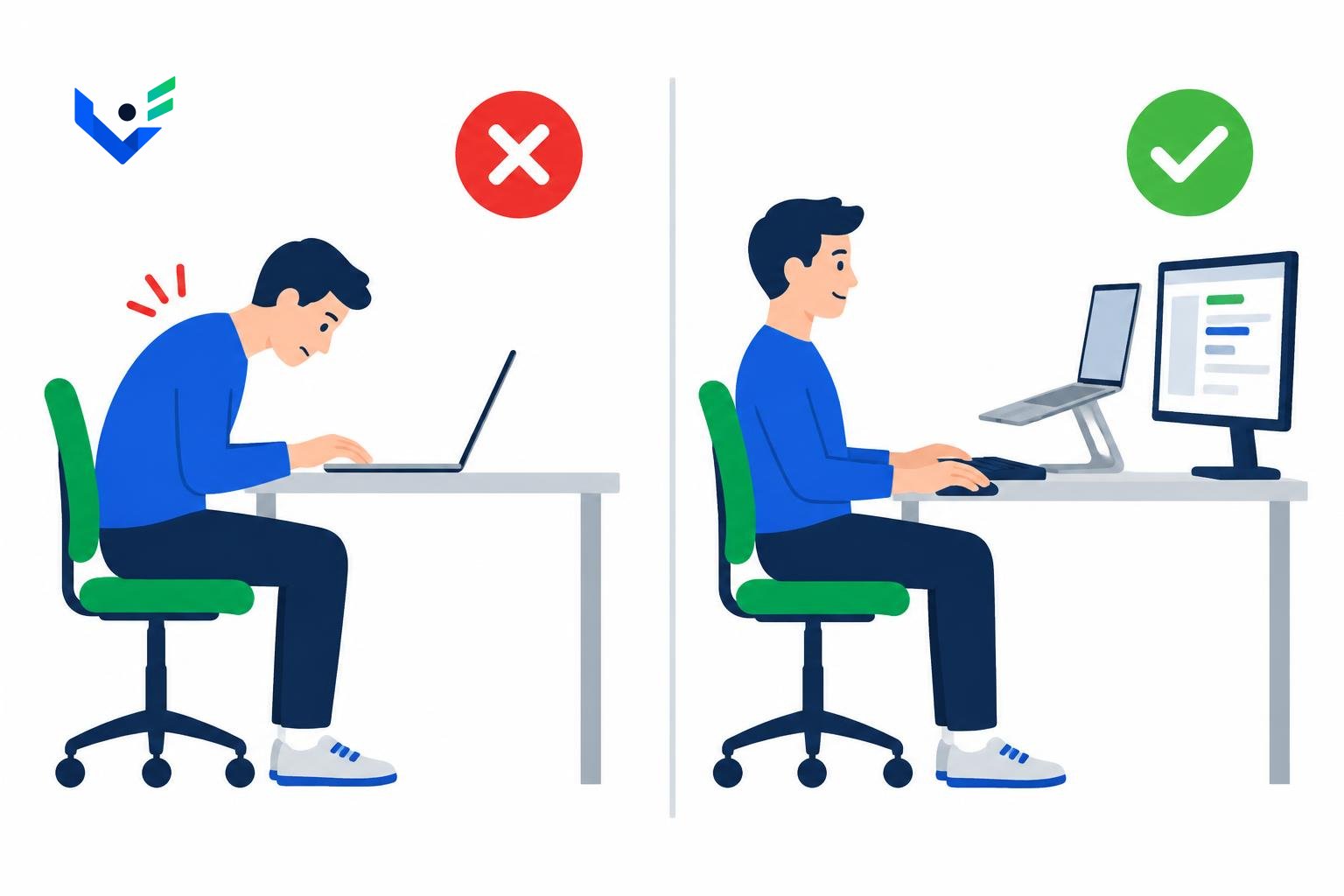
Short answer: yes, if the employee works on a laptop for at least half of the daily working time. Such a laptop must have a stand that sets the screen at the right height and a separate keyboard and mouse. An external monitor serves the same purpose and is often more comfortable than a stand.

With a laptop flat on the desk the screen is too low, so the user bends the neck and slouches; with a raised laptop and no external keyboard the forearms are lifted. Both postures load the neck and shoulders and lead to typical musculoskeletal complaints within months.

A simple equipment standard works well: stand or monitor, keyboard, mouse and a light mobile kit for people who work in several locations. Record the issue of equipment so you can show an inspector who received it and when.

Comparison: worker hunched over a laptop flat on the desk and the same worker upright with the laptop on a stand, an external monitor, keyboard and mouse — VIMS EHS illustration
Illustrative image: a laptop used for at least half of the working day needs a stand (or monitor), a separate keyboard and mouse.

3. What must the chair, desk and footrest offer?

Short answer: the chair must be stable and allow free movement, with adjustable seat height and backrest (height and tilt), lumbar support and armrests. In practice this means a swivel chair on castors; check the exact wording of the amended annex.

The desk must be large enough to arrange equipment ergonomically and leave room for legs and forearms. Desk and seat height should let elbows, hips and knees bend at roughly right angles with the feet firmly supported.

A footrest is provided at the employee's request — not at every desk by default, but it cannot be refused. Place the screen with its top edge roughly at eye level, usually 40–75 cm away, side-on to windows and free of glare. For office work EN 12464-1 recommends 500 lx average illuminance on the task area; this is a standard referred to by general rules.

4. What breaks apply to screen work?

Short answer: at least 5 minutes after every hour of screen work, counted as working time. The rules also allow alternating screen work with tasks that do not strain the eyes and are done in a different body position.

Breaks cannot be accumulated or taken at the end of the day — their purpose is to relax eyes and muscles during work. Put the rule in the work regulations and repeat it during workstation induction.

5. When are glasses or contact lenses reimbursed?

Short answer: when the employee uses a screen for at least half of the daily working time and the doctor performing the preventive examination finds that corrective glasses or contact lenses are needed for screen work. Since the 2023 amendment the employee may choose contact lenses instead of glasses if the doctor considers them appropriate.

The rules set no amount or frequency. The employer defines them in work or pay regulations, but the amount must realistically cover corrective lenses and a basic frame — a token contribution does not meet the duty. New glasses are due when a later examination shows a change in vision, not automatically every year.

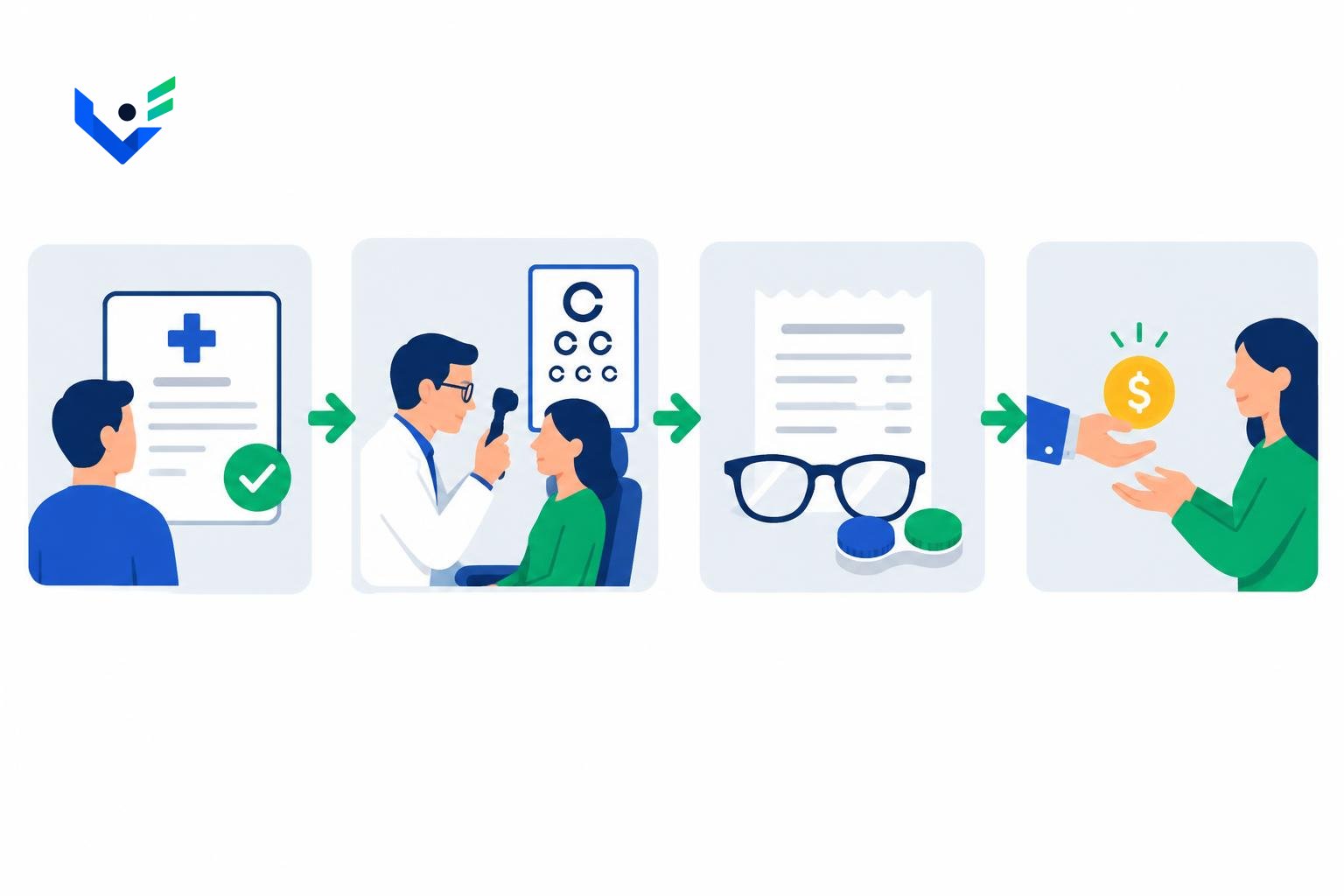
Step by step: the medical referral states screen work above 4 hours a day, the occupational physician refers to an eye consultation and issues a recommendation, the employee buys glasses or lenses, submits a request with the invoice, and the employer refunds up to the set amount. Sunglasses or 'computer glasses' without a medical recommendation are not covered.

Four reimbursement steps: medical referral, eye examination by a doctor, invoice for glasses or lenses, refund to the employee — VIMS EHS illustration
Illustrative image: reimbursement of glasses or lenses requires a doctor's recommendation after a preventive examination.

6. Do the rules cover remote work?

Short answer: yes. After the amendment the regulation also applies to remote workstations, and article 67³¹ of the Polish Labour Code requires the employer to provide remote workers with materials and tools, including technical devices — unless the parties agree that the employee uses their own equipment for an allowance.

Remote workers receive glasses or lenses on the same terms as office staff. The employer prepares a remote-work risk assessment and safety information; the employee confirms that the workstation is safe. A short self-assessment with a photo is good practice.

7. How VIMS supports workstation ergonomics

The occupational risk assessment module links screen-work hazards to office and remote positions. The medical examinations module tracks preventive examination dates and records recommendations for glasses or lenses.

A digital checklist in audits and inspections supports an office walk or a remote self-assessment; findings, such as a missing laptop stand, become tasks with an owner and a deadline. The diagram below illustrates the process and is not a screenshot.

Safety specialist with a tablet checklist linked to an office workstation, a home-office workstation and a reminder calendar — VIMS EHS illustration
Illustrative image: office and remote workstation checks with reminders. Not an app screenshot.

Workstation elements — regulation vs good practice

Applies to employees using a screen for at least half of the daily working time.

ElementRegulation (after 2023)Standard or good practice
LaptopStand plus separate keyboard and mouseExternal monitor instead of a stand
MonitorAdjustable, no glare or flickerTop edge at eye level, 40–75 cm
ChairStable, adjustable seat and backrest, lumbar support, armrestsSwivel chair on castors
FootrestAt the employee's requestAdjustable tilt
LightingNo glare or reflections500 lx per EN 12464-1
Breaks5 minutes after every hour, paidAlternate tasks and posture
Glasses or lensesWhen recommended by the doctorAmount in regulations, refund on invoice
Remote workRules also apply to remote workstationsSelf-assessment with a photo

Computer workstation checklist

  • Employees using a screen for at least half of the working day are identified.
  • Every such laptop has a stand or monitor plus a separate keyboard and mouse.
  • The chair has adjustable seat and backrest, lumbar support and armrests.
  • The top of the screen is at eye level with no reflections from windows or lamps.
  • Employees know they can request a footrest and receive it promptly.
  • Work regulations include the 5-minute break after every hour of screen work.
  • Medical referrals mention screen work and the glasses or lens allowance is defined.
  • Remote workstations have a risk assessment, safety information and an employee statement.
  • The risk assessment covers visual and musculoskeletal strain.
  • Findings from inspections have an owner and a deadline.

Frequently asked questions about computer workstation ergonomics

Must the employer buy a keyboard and mouse for a laptop?

Yes, if the laptop is used for at least half of the daily working time, together with a laptop stand or an external monitor.

When are computer glasses reimbursed?

When the employee uses a screen for at least half of the working day and the doctor recommends corrective glasses or lenses after a preventive examination.

Must the employer fund contact lenses?

Yes. Since the 2023 amendment contact lenses are treated like glasses when the doctor recommends them.

How much is the reimbursement?

The law sets no amount. The employer defines it, but it must cover corrective lenses and a basic frame.

Is a footrest mandatory?

It is provided at the employee's request rather than installed at every desk by default.

Do remote workers get glasses and ergonomic equipment?

Yes. The regulation also covers remote workstations, and the employer provides tools unless an allowance for the employee's own equipment is agreed.

Workstations, examinations and allowances in one place

See how VIMS links workstation risk assessment, preventive examination dates and checks of office and remote workstations.